Solutions4IT Logo
Money Back Guarantee
6 Month Trial Period
Plain English IT Support
No jargon, no tricky words
Trustworthy & Reliable
4.9* Google Reviews
Happy clients
99% Customer Satisfaction
Email Security Header Image

Email Security

Keeping your business emails secure and protected from Criminals

38% of UK businesses experienced a phishing attack in the last 12 months

Solutions 4 IT can advise on a range of technical controls and products that will help secure your business email. We also provide cyber security awareness training that empowers your employees with the ability to identify suspicious emails and stop the threat before any damage is done.

Email filtering underpins our email protection which will secure your email communications and protect your business from unwanted spam and malware.
Almost half (45%) of all email traffic worldwide is spam. More than 450,000 new malware and potentially unwanted application samples are detected every day — over 5 every second.
Source: Kaspersky’s 2025 global telemetry
However, malware is no longer the biggest email threat, phishing/social engineering and credential theft/account takeover are the biggest email threat right now.
We use best-in-class, AI-powered email security technology to protect your business against today’s most sophisticated email threats. Our advanced protection analyses every email for phishing, business email compromise, account takeover, malicious links, ransomware and zero-day malware — providing an additional layer of security for Microsoft 365.

Talk to us today to learn more about our multi-layered approach and how we can setup and manage an effective email filter for your business to help stop the constant threat phishing, business email compromise, account takeover, malicious links, ransomware and zero-day malware

What is Advanced Email Protection?

Advanced Email Protection provides multiple layers of security to protect your business against sophisticated email attacks that traditional spam and virus filtering can miss.


We use Check Point Avanan, an AI-powered email security platform that works directly with Microsoft 365 to analyse emails for phishing, business email compromise, credential theft, malicious links, malware and previously unknown threats.


Every email is analysed using multiple security technologies, examining the sender, message content, links and attachments to identify suspicious behaviour and potential threats before they reach your users.


Protection doesn't stop when the email arrives


Links contained within emails are automatically rewritten and protected by Avanan's Click-Time Protection. When a user clicks a link, its destination is checked again in real time. This is particularly important because attackers can change a previously safe website after an email has already passed through security.

Avanan can also analyse previously unknown websites for phishing characteristics and inspect files downloaded through protected links, helping defend users against sophisticated phishing and zero-day attacks.

By combining AI-powered threat detection, real-time URL protection, anti-phishing technology, attachment analysis and sandboxing, we add a powerful additional security layer to Microsoft 365 — protecting your employees not only from malicious files, but from the increasingly sophisticated techniques attackers use to steal credentials, compromise accounts and deceive users.
Our simple 4 step guide to

Secure Your Email

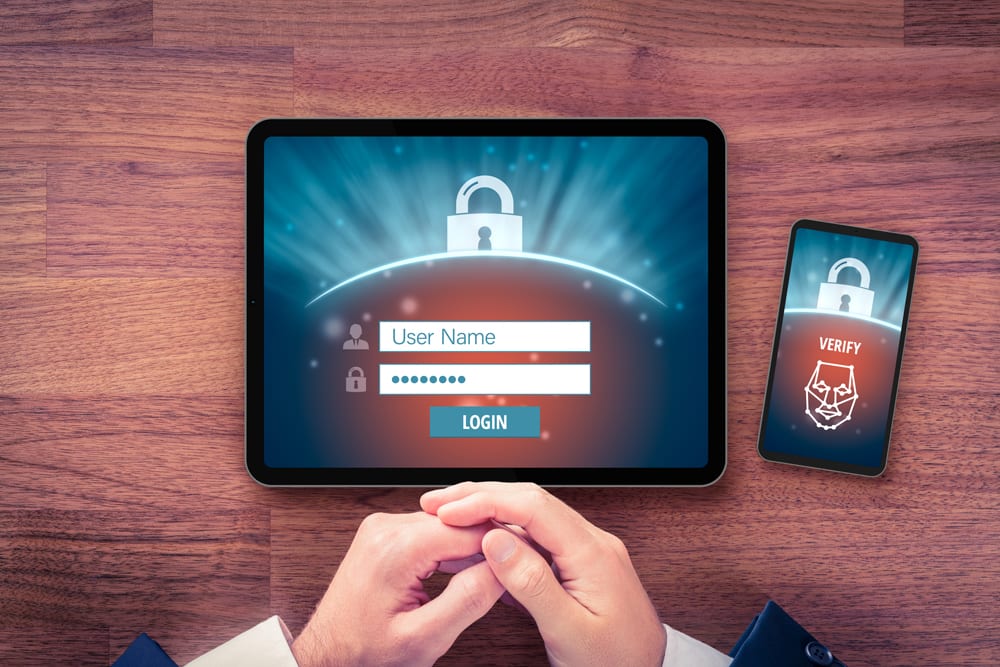
2FA is a security safeguard that requires users to provide two authentication methods to verify themselves. This is important for email security as any potential hacker will not be able to gain control of the mailbox. All email should be protected by 2FA, this can be easily setup and will safeguard your business data.

2FA Authentication

SPF, DKIM and DMARC are three important email authentication protocols which are designed to help prevent forged emails, they provide assurance that the email received was sent by the sender and has not been spoofed.

Unfortunately, emails can be easily spoofed which means the person sending the email may not be who you think it is as the email address may have been changed, SPF, DKIM and DMARC help prevent this.

These authentication protocols need to be enabled and configured correctly as improper setup will cause unintended mail flow issues, thorough testing is recommended.

Solutions4IT can assist with this process for you and advise what your current email authentication level is.


email-authentication AI Cyber Attack trend blog cover image

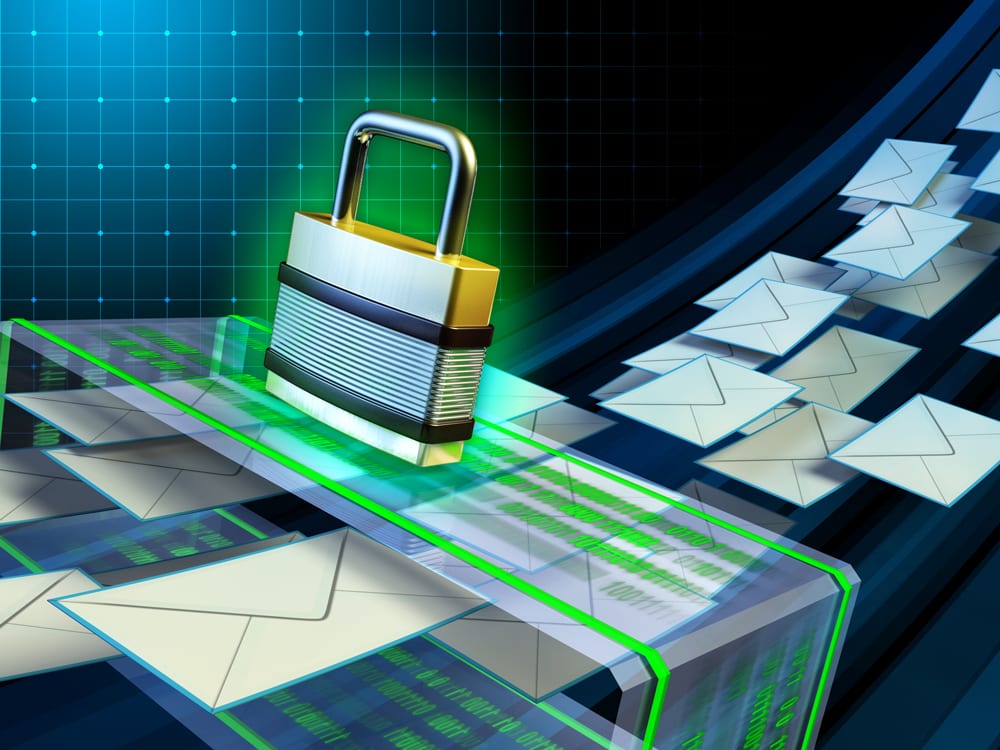
Email/Spam filtering adds an additional layer to protect your business against potential breaches. Incoming and outgoing emails are scanned for known attack vectors and blocked before they are delivered.

In addition to this the spam filtering considerably reduces the number of unwanted emails that are sent through. Typically, these would be placed into a quarantine which is controlled through allow/deny lists.

Email Filtering image

A common method used to infiltrate email is to alter where the email was sent from, this can be made to look like the email was sent internally.

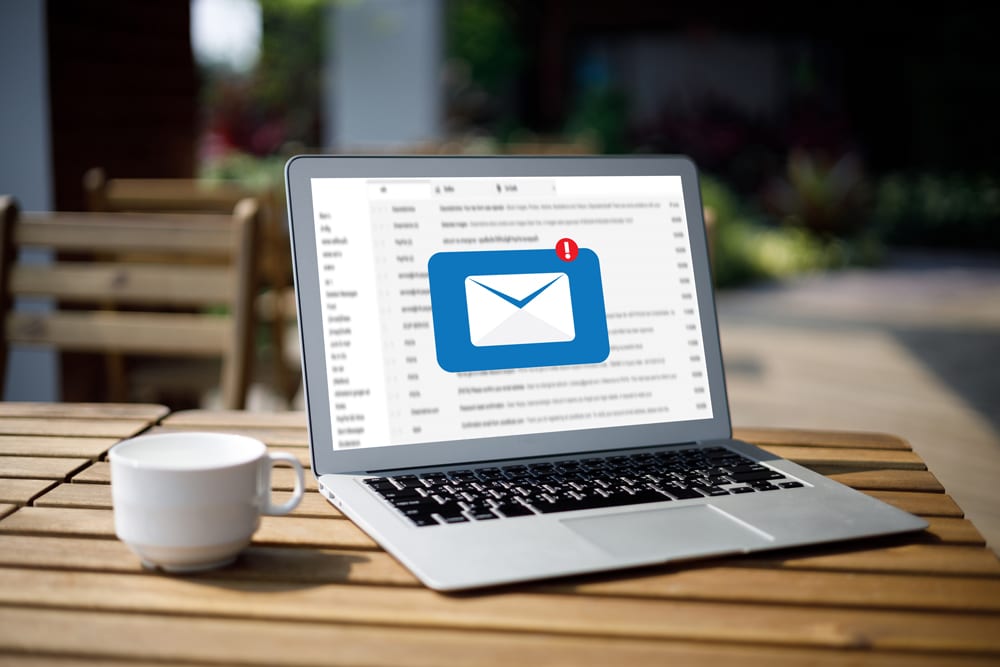
An easy approach to safeguard against this is to configure emails to have a label which show if it was sent from an Internal or external sender. Once configured each email will then clearly show if the email was sent from outside your business and helps prevent this common attack vector.

Email Labels image
A little bit of expert email security advice…

Golden rules when you receive an email

In addition to our 4 step guide to secure emails, your employees should be aware of some straightforward golden rules which they should consider when receiving an email:
  • Never open an attachment within an email from a company or person you do not know or were not expecting.
  • Avoid sending any sensitive information over email.
  • Be wary of opening emails from someone you do not know or trust.
  • Do not click on links from a company or person you do not know.
  • Check the senders email address to make sure it is legitimate.
  • Hover over email links first to show where they are pointing to.
  • Check for spelling and grammar errors – this is a good indication that the email is not genuine.
  • When in doubt, call the company that sent the email to verify.

Request more information

  • This field is for validation purposes and should be left unchanged.

Latest Cyber Security News

Your business data backup checklist

Data backup is a method that involves creating a copy of your primary data and archiving it in a different location in the event of your original data being lost or corrupted. A businesses data is their greatest and most valuable asset. It can featur...

Are your deleted files really deleted?

Do you know where your files go when you delete them? Yes, there’s a good chance you know they end up in the recycling bin. However, the truth is, a full file deletion process is a bit more elaborate, and important to know for reasons covered l...

Is your WordPress site outdated?

WordPress powers over 40% of all websites on the internet, making it one of the most popular website platforms in the world. Unfortunately, that popularity also makes it one of the biggest targets for cybercriminals. Recent research has revealed a wo...
© Copyright Solutions 4 IT Ltd 2026. All Rights Reserved. Terms & Conditions Privacy Policy
Privacy Overview

This website uses cookies so that we can provide you with the best user experience possible. Cookie information is stored in your browser and performs functions such as recognising you when you return to our website and helping our team to understand which sections of the website you find most interesting and useful.